Menu
Your Cart

MOPA 80W LightBurn Library Settings – 33 Materials
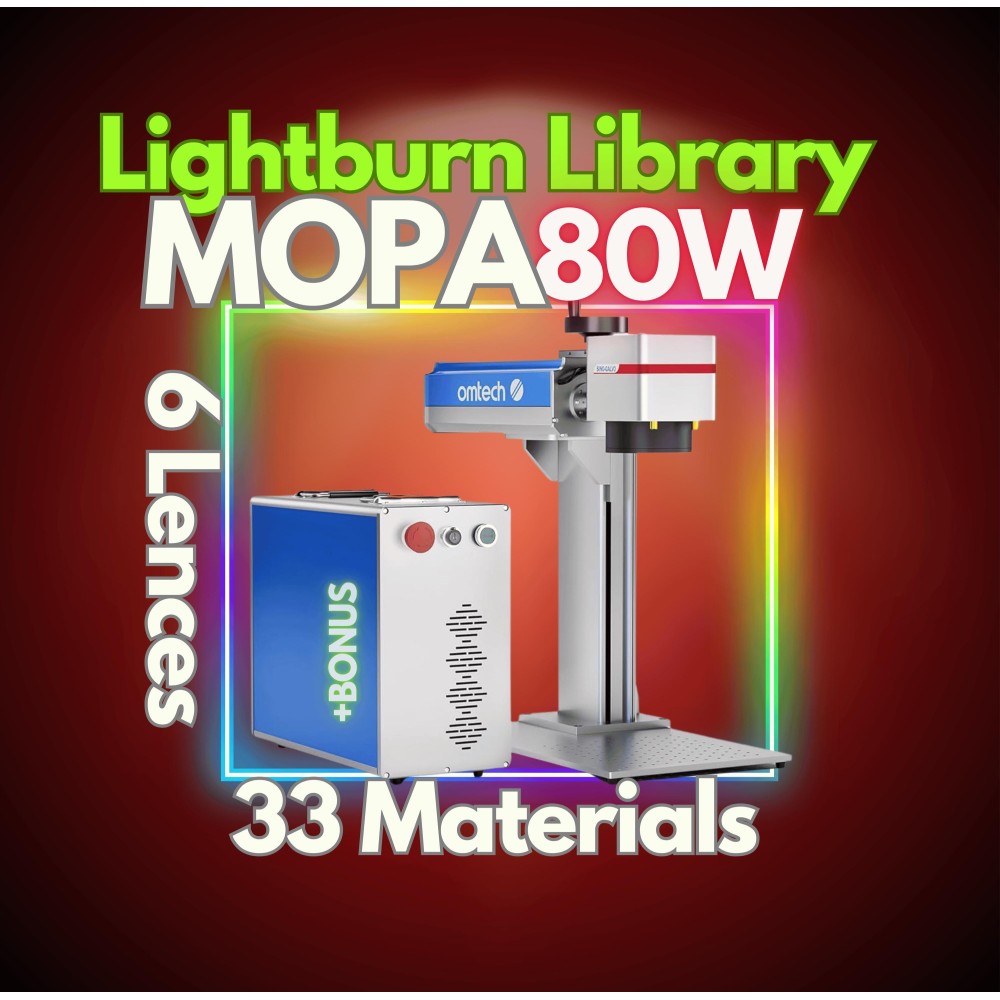
MOPA 80W fiber laser LightBurn library preview
-35 %
MOPA 80W fiber laser LightBurn library preview
MOPA 80W LightBurn Library Settings – 33 Materials
USD 29.89
USD 45.98
Ex Tax: USD 29.89
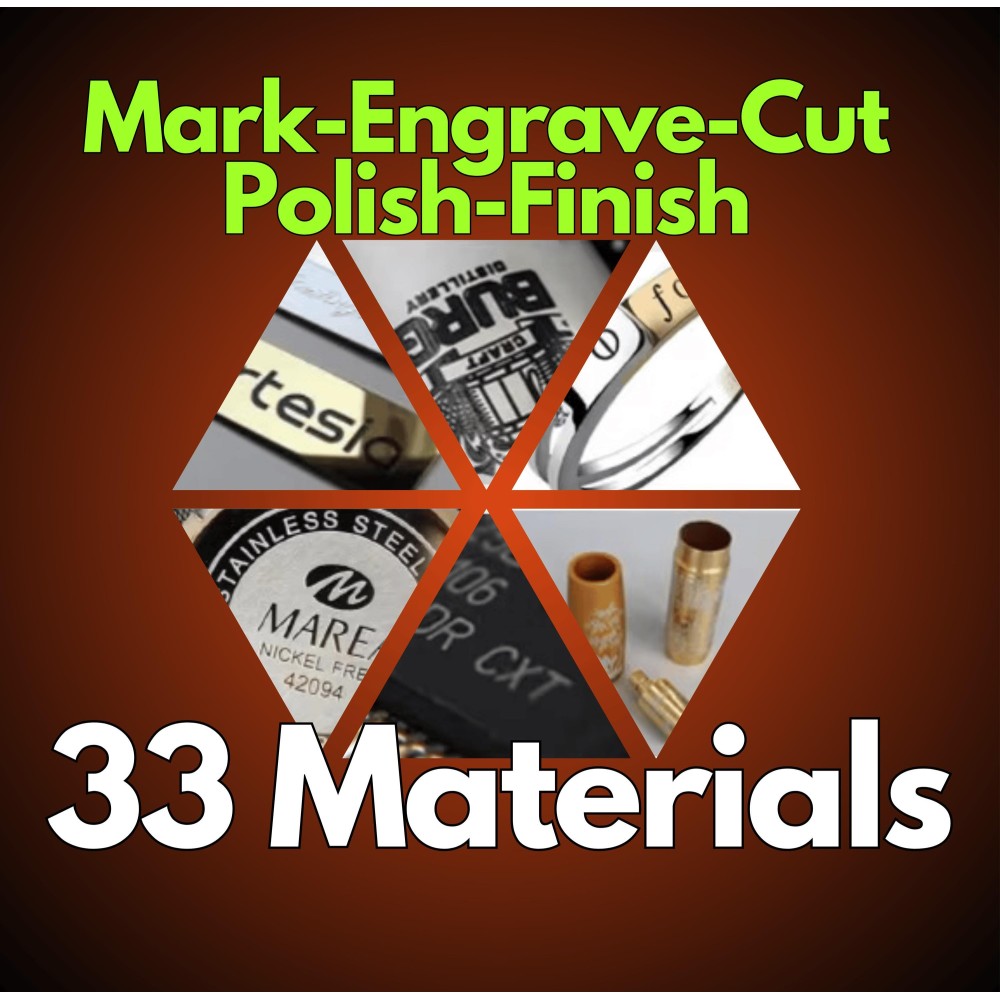
Master Your MOPA 80W Fiber Laser with This LightBurn Library! Take your laser engraving, marking, cutting, polishing, and finishing to the next level with this expertly designed LightBurn Library for MOPA 80W Fiber Lasers. Covering 33 different materials and 6 lens sizes, this pre-configured library eliminates the guesswork and ensures flawless, professional-quality results every time.

Focus on creating, not troubleshooting!
Engrave smarter, not harder!

With just a few clicks, you're ready to go!

What’s Included?
✔ No More Guesswork – Forget trial and error—this pre-tested library delivers perfect settings instantly.
✔ Saves Time – Optimized settings speed up your workflow, so you can focus on engraving, not configuring.
✔ High-Precision Settings – 33 materials expertly tuned for maximum engraving quality.

Optimized for MOPA 80W Fiber Lasers – Includes pre-configured settings for:

Metals:
Anodized Aluminum, Raw Aluminum, Stainless Steel, Carbon Steel, Galvanized Steel, Titanium, Brass, Copper, Silver, Gold, Nickel, Chrome, Zinc, Magnesium, Iron

Plastics & Synthetics:
ABS Plastic, Acrylic, Polycarbonate, Polyethylene, Polypropylene, POM (Delrin), PVC, Rubber

Organic Materials:
Genuine Leather, Synthetic Leather, Paper, Cardboard, Treated Wood, MDF, Bamboo

Special Materials:
Coated Glass, Coated Ceramic, Carbon Fiber, PCB (Printed Circuit Board)

Perfect for: Laser engraving, marking, cutting, and polishing using MOPA 80W Fiber Lasers with 6 lens sizes (75x75, 110x110, 150x150, 175x175, 200x200, 300x300).

🔥 Your Fiber Laser Machine Support

Compatible with your specific fiber laser for precise and reliable results.

🛠️ 37 Pre-Configured Material Settings

Engrave like a pro on metals, plastics, and more with settings tailored for maximum efficiency.

🌟 Lens Dimensions Covered

Designed for versatility, this library works seamlessly across various lens sizes.

⚡ Plug & Play - Instant Setup

Simply upload the library to your machine and start engraving! No complex configurations required.

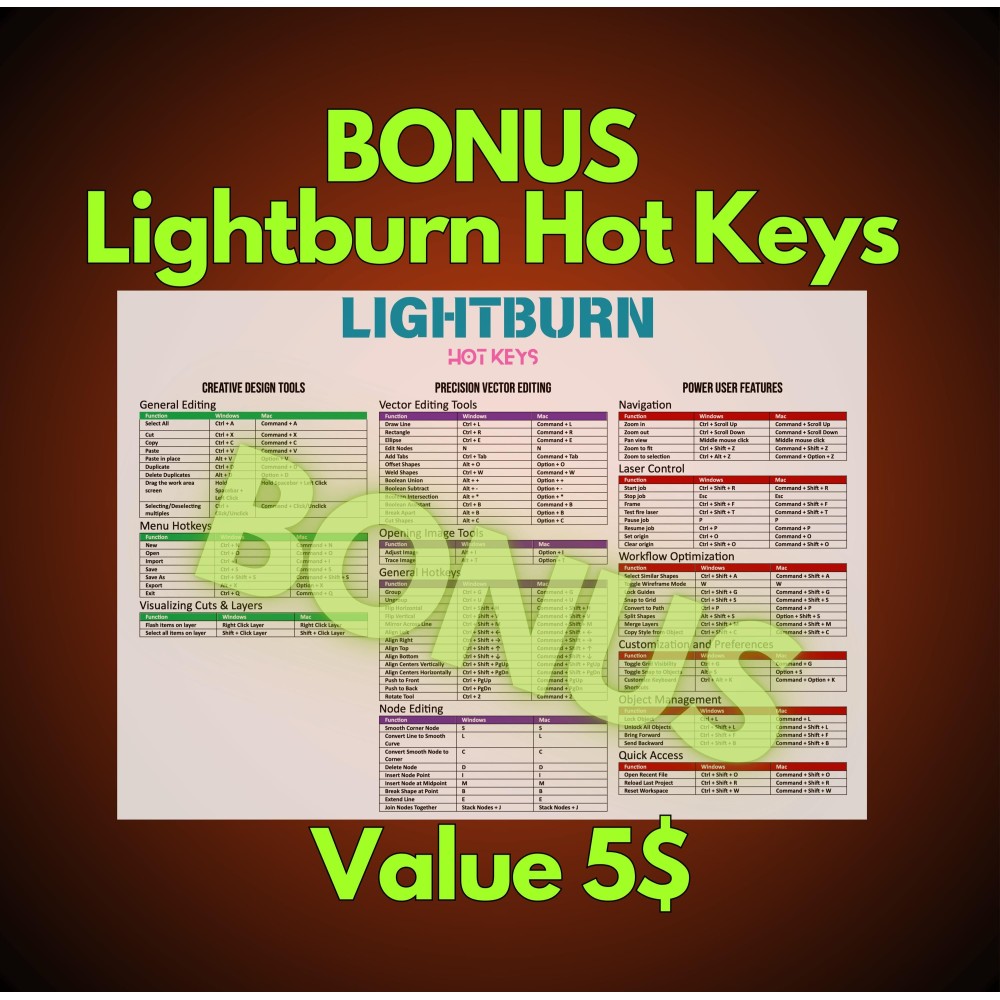
🎁 BONUS Included!

Enjoy added tools/resources to enhance your engraving process and achieve even better results.

💡 No More Guesswork: Say goodbye to trial-and-error when engraving on new materials. This library takes care of all the technical details for you.

⏱️ Save Time: Streamlined and ready to use, so you can focus on your creative work.

🎨 Versatile Applications: Perfect for custom artwork, personalized gifts, or bulk production projects.

🎁 Extra Value: The included BONUS adds even more functionality and value to your setup.

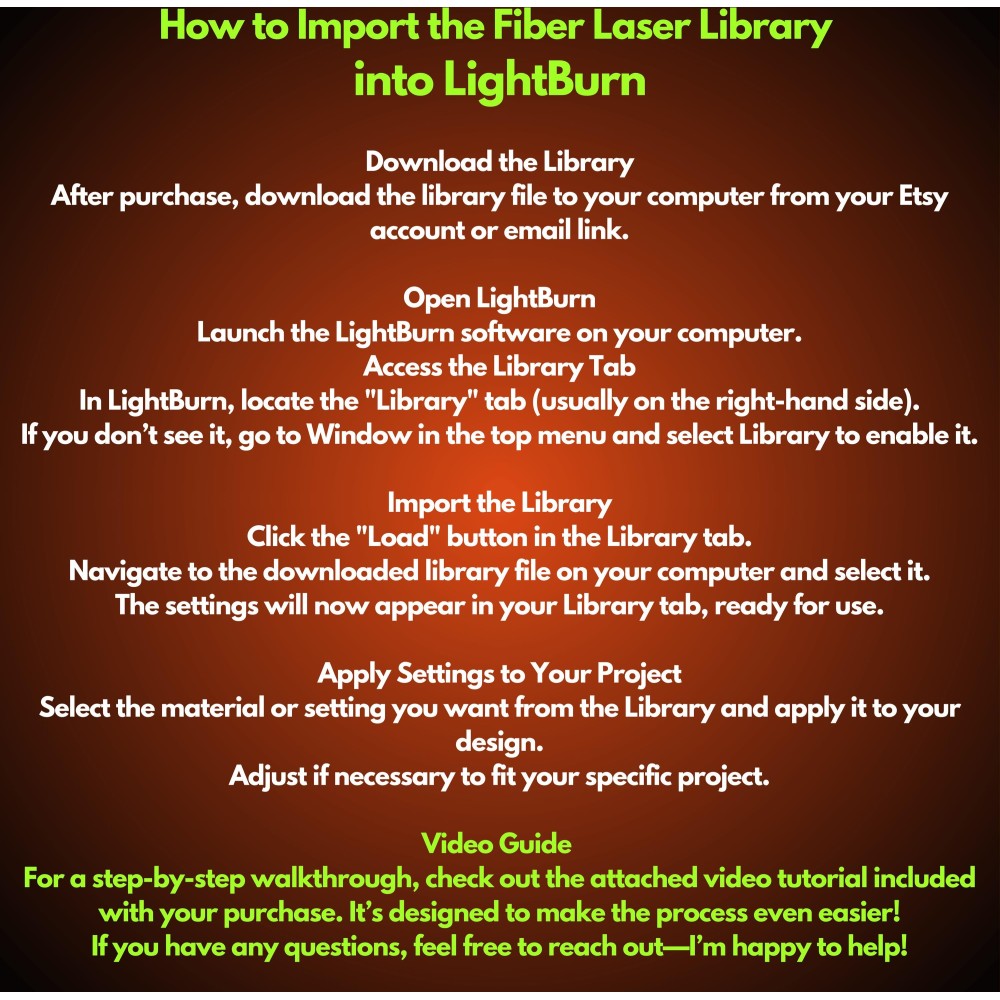
1. Unzip the File
- This is a .zipped (compressed) file. You will need to unzip (decompress) it before proceeding.

2. Open LightBurn
- Launch the LightBurn software on your computer.

3. Locate the 'Library' Tab
- In LightBurn, go to the Library tab located in the bottom right, near the Laser tab.

4. Load the Library
- Click on the Load button in the Library tab.
- Navigate to the unzipped .clb library file on your computer and select it.

5. Done!
- Your library is now installed and ready to use.

Note: This library WILL NOT INSTALL IN TRIAL VERSIONS of LightBurn. Make sure you are using a licensed version of the software.

If you encounter any issues, feel free to reach out for assistance!

Reviews

Write a review

Note: HTML is not translated!
Bad Good
Captcha