Menu
Your Cart

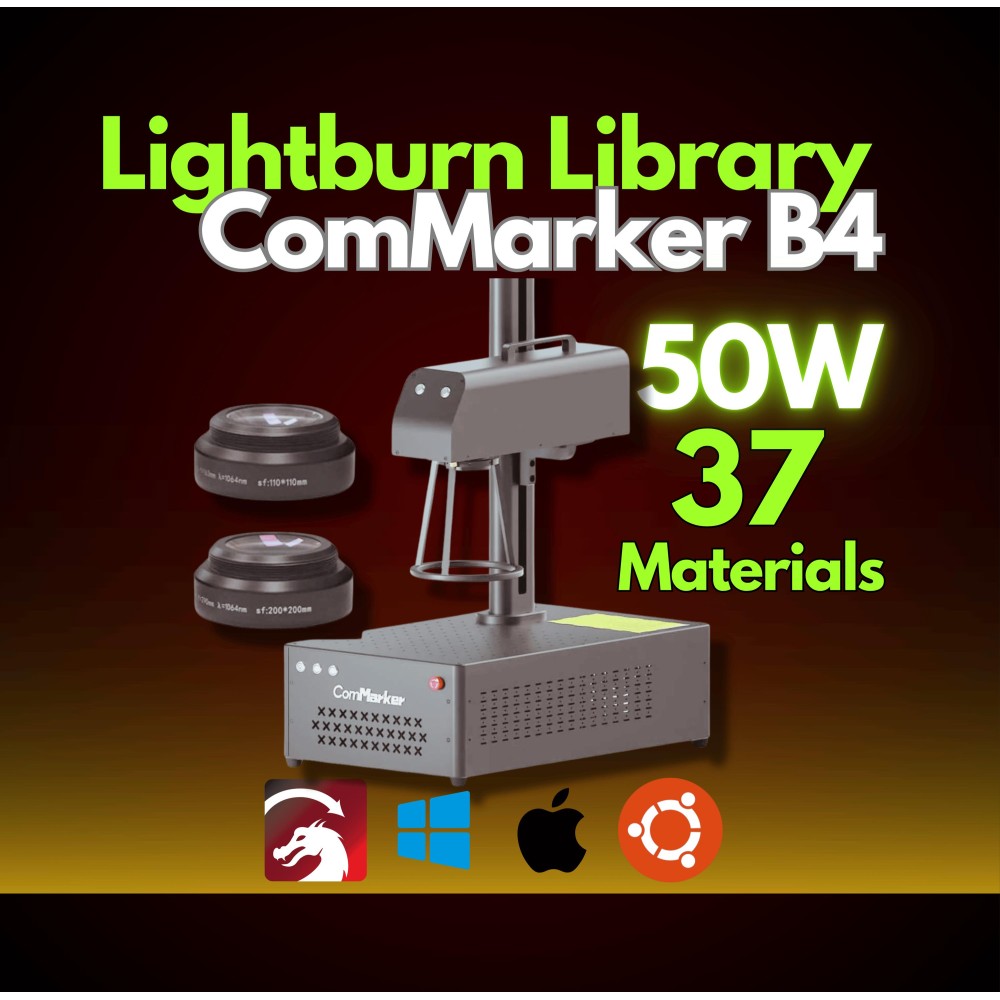
ComMarker B4 30W Fiber Laser Lightburn Library CLB
ComMarker B4 30W Fiber Laser Lightburn Library | 37 Material Settings | 2 Lenses | Easy Plug & Play Setup +MegaBonus
-27 %
ComMarker B4 30W Fiber Laser Lightburn Library | 37 Material Settings | 2 Lenses | Easy Plug & Play Setup +MegaBonus
ComMarker B4 30W Fiber Laser Lightburn Library CLB
USD 35.00
USD 48.00
Ex Tax: USD 35.00

ComMarker B4 30W Fiber Laser Lightburn Library | 37 Material Settings | 2 Lenses | Easy Plug & Play Setup +MegaBonus

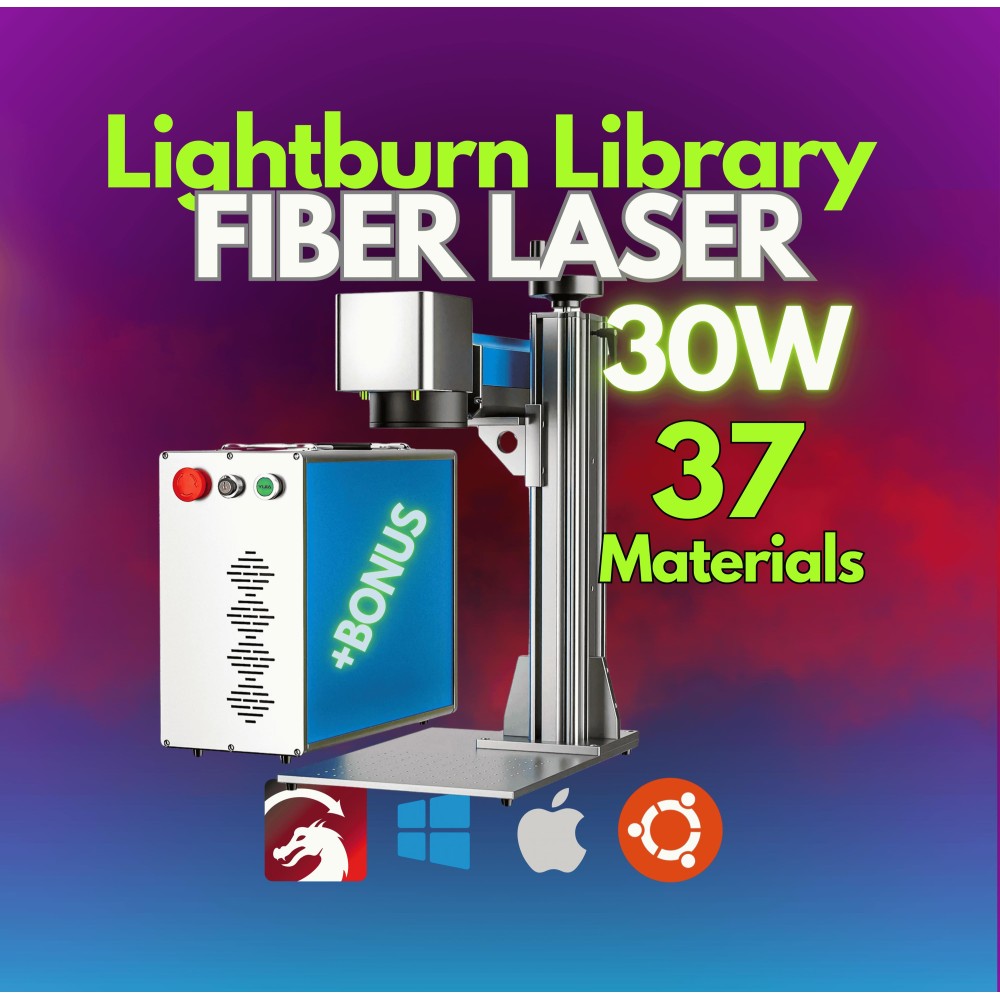
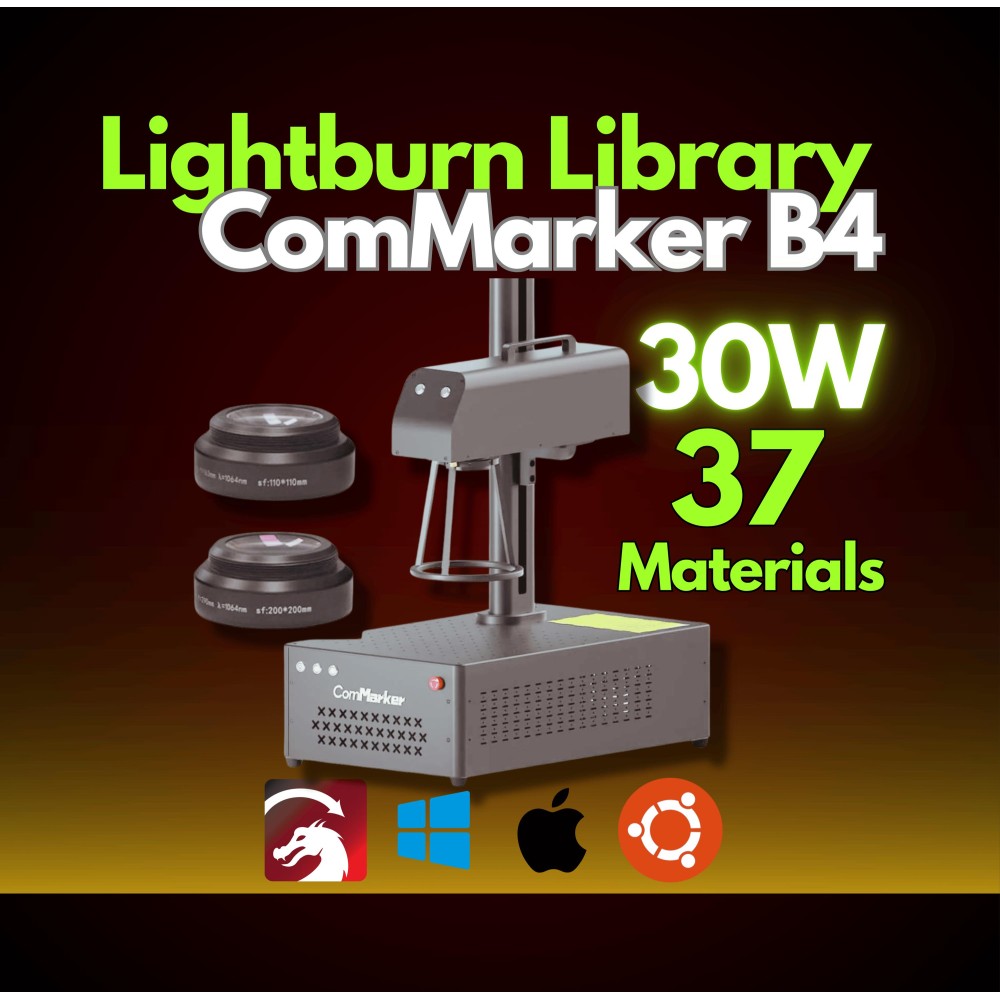
Upgrade your ComMarker B4 laser engraving experience with this pre-configured Lightburn Library! Designed specifically for ComMarker B4 30W fiber laser, this library includes tested settings for 37 different materials and supports 110x110mm and 200x200mm lenses for greater engraving flexibility. 

🔥 Your Fiber Laser Machine Support

Compatible with your specific fiber laser for precise and reliable results.

🛠️ 37 Pre-Configured Material Settings

Engrave like a pro on metals, plastics, and more with settings tailored for maximum efficiency.

🌟 Lens Dimensions Covered

Designed for versatility, this library works seamlessly across various lens sizes.

⚡ Plug & Play - Instant Setup

Simply upload the library to your machine and start engraving! No complex configurations required.

🎁 BONUS Included!

Enjoy added tools/resources to enhance your engraving process and achieve even better results.

💡 No More Guesswork: Say goodbye to trial-and-error when engraving on new materials. This library takes care of all the technical details for you.

⏱️ Save Time: Streamlined and ready to use, so you can focus on your creative work.

🎨 Versatile Applications: Perfect for custom artwork, personalized gifts, or bulk production projects.

🎁 Extra Value: The included BONUS adds even more functionality and value to your setup.

1. Unzip the File
- This is a .zipped (compressed) file. You will need to unzip (decompress) it before proceeding.

2. Open LightBurn
- Launch the LightBurn software on your computer.

3. Locate the 'Library' Tab
- In LightBurn, go to the Library tab located in the bottom right, near the Laser tab.

4. Load the Library
- Click on the Load button in the Library tab.
- Navigate to the unzipped .clb library file on your computer and select it.

5. Done!
- Your library is now installed and ready to use.

Note: This library WILL NOT INSTALL IN TRIAL VERSIONS of LightBurn. Make sure you are using a licensed version of the software.

If you encounter any issues, feel free to reach out for assistance!

Reviews

Write a review

Note: HTML is not translated!
Bad Good
Captcha